Monitor brightness that follows the sun
DimmyScreen lowers your monitors' brightness in the evening and raises it in the morning, based on sunrise and sunset where you live. It changes the monitor's own backlight, and warms the colour after dark.
Free for personal use · Windows 10 and 11 · macOS and Linux soon
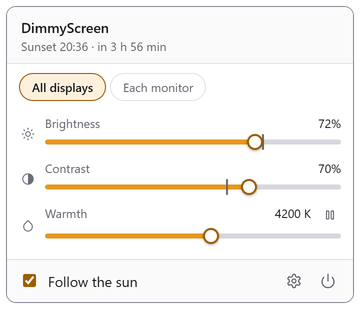
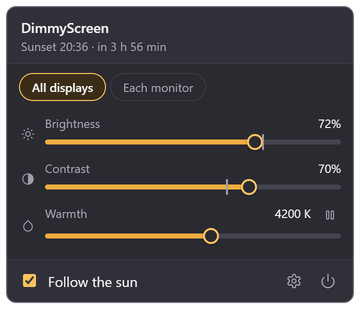
Today, where you are
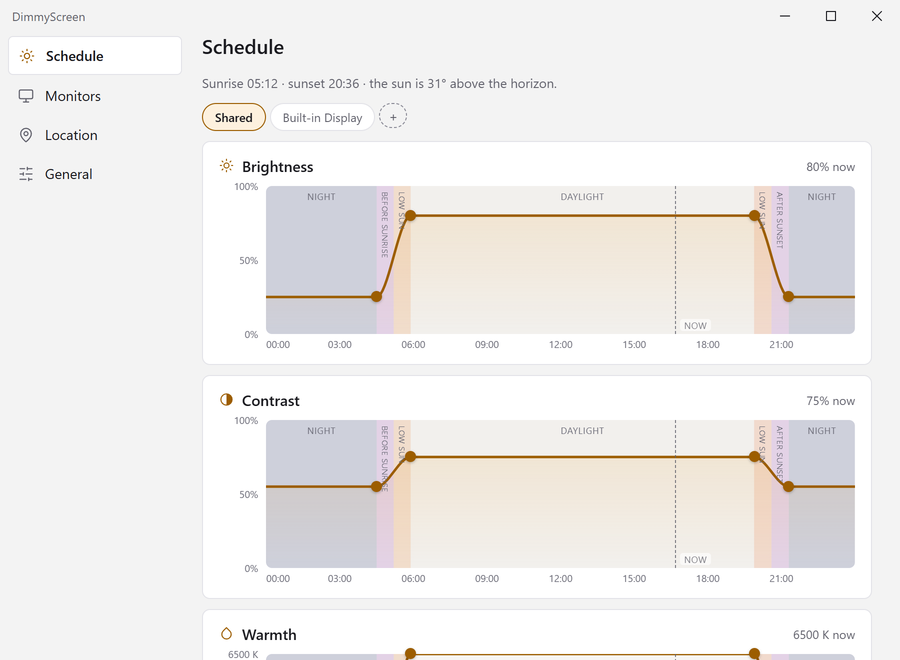
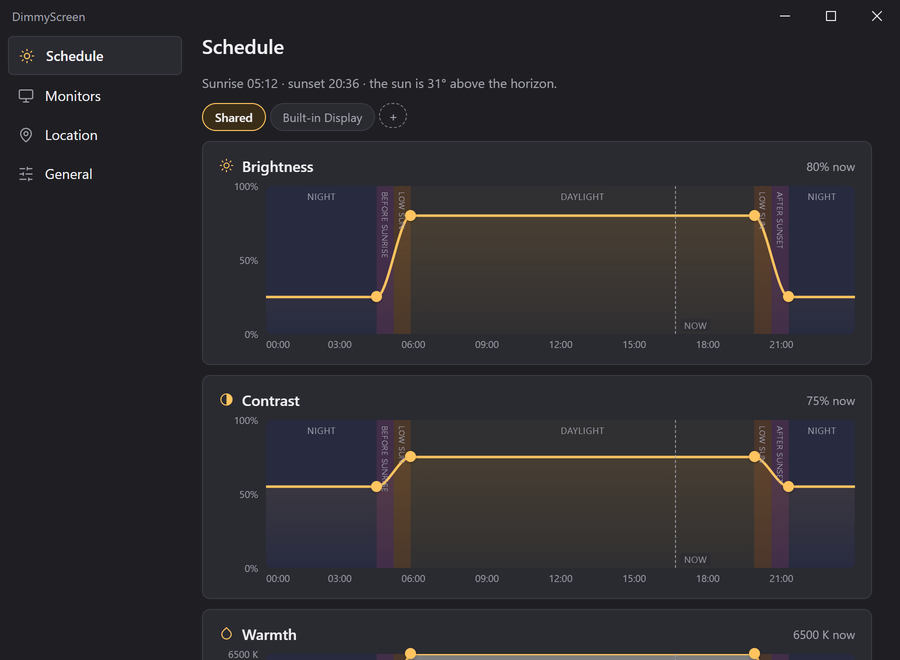
Brightness eases down through dusk and back up after dawn. It follows the sun's height, not a fixed time, so it shifts with the seasons on its own.
What it does
- Real brightness
- Uses DDC/CI, the same channel as the monitor's own buttons. The backlight actually dims; nothing is drawn over the screen.
- Contrast and colour
- Contrast follows the same schedule. Colour goes from 6500 K by day to 3400 K at night.
- Every monitor
- All screens share one setting, or one gets its own, or one is left out.
- Manual override
- Drag a slider and the schedule pauses for two hours, or until you press Resume.
- Pause colour
- For an hour, until sunrise, or until you turn it back on. Handy for photo work.
- Small
- A 5 MB tray app using about 25 MB of memory. It updates itself.
Privacy
- Location detection is off until you turn it on. You can type coordinates in instead.
- With detection on, Windows location is tried first. If that fails, your IP address goes to ipapi.co (or ipwho.is) to find the city.
- The only other request is the update check: one file from dimmyscreen.app every few hours. It can be turned off.
- No account, no telemetry, no analytics.
Requirements
- System
- Windows 10 or 11, 64-bit. macOS and Linux versions are coming soon.
- Monitors
- Most external monitors over HDMI, DisplayPort or USB-C. DDC/CI has to be on in the monitor's menu, and some docks and KVM switches block it.
- Laptop screens
- Supported through Windows, but not yet tested on real laptops.
- Colour
- Needs a graphics driver that accepts a colour table. No effect in HDR.
- Languages
- English and Polish.
FAQ
How is it different from Night Light or f.lux?
Those only change the colour. DimmyScreen also lowers the backlight. Run only one of them: they all write the same colour table and will fight over it.
My monitor doesn't change. Why?
Turn on DDC/CI in the monitor's on-screen menu, and try connecting it directly instead of through a dock. Settings › Monitors shows what each screen supports.
Does it affect games or video?
Brightness doesn't. Colour applies to everything on screen, screenshots included, so pause it for colour-accurate work.
Is it free?
Free for personal use, and for charities, non-profits and schools. Companies need a commercial licence.
Does it need the internet?
No. Location lookup is optional and off by default, and the update check can be turned off.
How do I uninstall it?
Windows Settings › Apps › Installed apps › DimmyScreen › Uninstall.